How to show up in Google AI Overviews

Kaan Ersoy6 min read
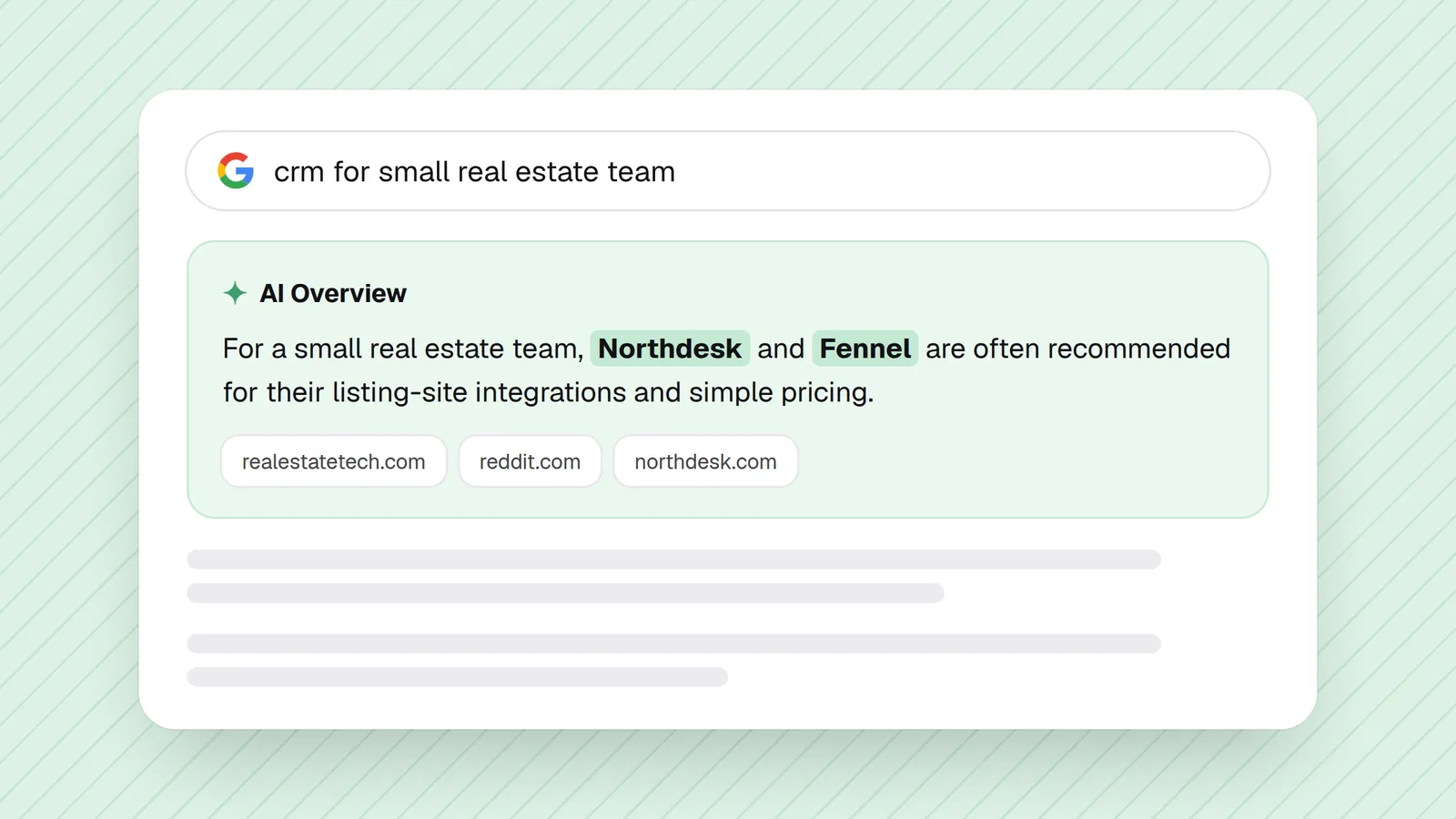
Google says there is no special optimization for AI Overviews: a page has to be indexed and eligible to show in Search with a snippet, and that is all it needs technically. Which pages get linked then comes down to ordinary search quality and to query fan-out, where Google runs several related searches for the subtopics of a question and links pages from all of them. So the work is to be the clearest, most useful result for the questions and sub-questions around your topic, and to be named on the other pages those searches return.
What Google says it takes
Google's documentation on AI features is short and direct. The points that matter:
- Eligibility: a page must be indexed and eligible to be shown in Google Search with a snippet, meeting Search's technical requirements. There are no additional technical requirements.
- No special optimization: Google says there are no additional requirements to appear in AI Overviews or AI Mode, and you do not need new machine-readable files, AI text files, markup or schema.org structured data.
- Not always shown: AI Overviews appear only when Google's systems decide they add something to classic results, and they often do not trigger.
- No guarantee: indexing and serving are not guaranteed.
Anyone selling an "AI Overviews schema" or an "AI Overview submission" is selling something Google says does not exist.
How query fan-out decides which links appear
Google says AI Overviews and AI Mode may use query fan-out: issuing several related searches across subtopics and data sources to build a response, which lets it show a wider set of links than a single results page.
Take "best CRM for a small real estate team". Fan-out might also search for CRM pricing for small teams, real estate CRM features, integrations with listing sites, and reviews of the leading options. The overview is written from the results of all of them, and links pages from each.
Two things follow:
- You can be linked without ranking for the main query. A page that is the best answer to one sub-question ("does X integrate with Zillow?") can be linked in the overview for the broader question.
- Covering the sub-questions well matters. A page that answers the main question and the obvious follow-ups, each under its own heading, gives fan-out more to use.
Step 1: make sure your pages are eligible
Check the basics in Search Console's URL Inspection tool for the pages you care about:
- Indexed: not blocked by robots.txt for Googlebot, no noindex, a canonical that points to itself.
- Snippet-eligible: no
nosnippet, no tightmax-snippet, and nodata-nosnippetaround the passage that answers the question. Google names these as the controls that limit what appears in AI features. - Content in the HTML or reliably rendered: Google renders JavaScript, but slow or broken rendering still hides content.
Step 2: answer the question, and the next three
AI Overviews are written from passages. Pages that get linked usually have a passage that answers a specific question cleanly. For each page that targets a question:
- Lead with the answer. The first sentence under the heading should answer it; the detail follows.
- Use the question's own words in headings, including the constraint ("for a small team", "under $50", "in the UK").
- Add the follow-ups a buyer asks next: price, limits, who it is not for, how it compares, how to get started.
- Be specific: numbers, named examples, dates, and where a figure came from.
- Use tables for anything compared across options.
This is what Google's own guidance on helpful, people-first content asks for. It is not a separate AI trick; it is writing the page a buyer would want to land on.
Step 3: be on the other pages the overview links
For commercial questions, the overview often links list articles, review sites, forum threads, YouTube videos and vendors' comparison pages next to (or instead of) any one company's site. Fan-out makes that list wider. If your brand is not named on those pages, the overview is unlikely to name you, however good your own site is.
Search your buyers' questions, open the overview's links, and list the pages that recur across questions. Then get onto them: pitch list authors, complete review profiles, answer the threads. How to get your brand mentioned in ChatGPT has the full table of what to do on each kind of page, and it applies to Google's AI features as well.
Step 4: the ordinary ranking work still counts
Pages linked in AI Overviews come from Google's index and its ranking systems. The things that help a page rank in classic results help here: relevance to the query, a page that satisfies it, a site with a track record on the topic, and links from other sites. There is no shortcut that skips them.
Where AI features change the work is in emphasis: more weight on answering precisely, on covering sub-questions, and on the third-party pages around your topic, because an overview combines many sources where a results page lists ten.
Step 5: measure it
Google counts clicks and impressions from AI features in Search Console's Performance report, under the Web search type, mixed in with all other search traffic. There is no separate AI Overviews filter. To see your presence directly:
- keep a fixed list of questions and check which ones show an overview, whether it names or links you, and which pages it links;
- watch Search Console for pages whose impressions rise while their average position stays low, a common sign of being linked in an overview;
- repeat on the same questions every few weeks.
How to track AI search visibility covers the metrics and how often to check.
What about AI Mode?
AI Mode is Google's conversational search, where the whole result is an AI answer with links. Google's documentation covers both features together: the same eligibility, the same lack of special requirements, the same fan-out, the same Search Console reporting. AI Mode tends to run more searches and show more links, so covering the sub-questions matters even more there.
Questions people ask
Is there schema markup for AI Overviews?
No. Google says no special schema.org structured data is needed to appear in AI Overviews or AI Mode. Structured data that matches visible content still helps Google understand a page; see schema markup for AI search.
Does llms.txt help with AI Overviews?
Google says you do not need new machine-readable files or AI text files to appear in its AI features.
Can I stop my site appearing in AI Overviews?
Google names nosnippet, data-nosnippet, max-snippet and noindex as the controls. They also limit or remove your snippets in classic results, so use them with care.
Why does my page rank on page one but not appear in the overview?
Overviews do not trigger for many queries, and when they do they draw on fan-out searches and on passages that answer specific sub-questions. A page can rank well and still not have the passage the overview needs, or other pages may answer it more directly.