How to show up in Google AI Mode

Kaan Ersoy4 min read
Google AI Mode is Google's conversational search: the whole result is an AI answer with links, and the user can ask follow-ups. Google says the requirements are the same as for AI Overviews: a page must be indexed and eligible to show in Search with a snippet, with no special markup or files. AI Mode leans harder on query fan-out, running many related searches per question, so it links a wider set of pages. The work is to answer your buyers' questions and their follow-ups precisely, and to be named on the other pages those searches return.
What AI Mode is
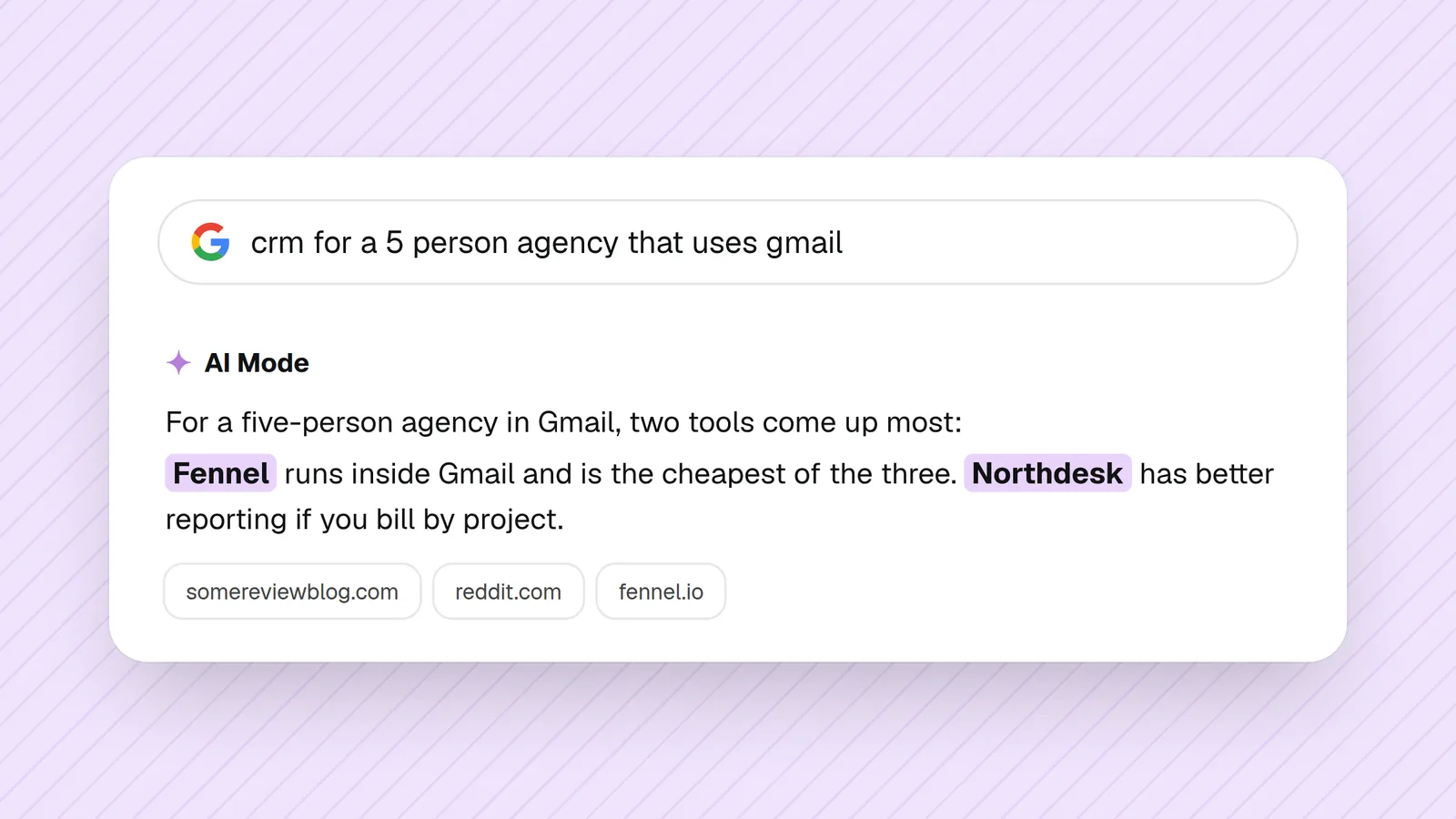
AI Overviews add an AI summary above classic results for some queries. AI Mode replaces the results page with an AI answer: a written response with links woven in and listed alongside, and a box for follow-up questions that keeps the conversation's context. Users reach it from a tab in Google Search.
It suits the questions buyers ask when comparing options: long, with constraints, often followed by "what about…". That makes it closer in use to ChatGPT than to classic Google, while drawing on Google's own index.
How AI Mode picks its links
Google says AI Overviews and AI Mode may use query fan-out: issuing multiple related searches across subtopics and data sources to develop a response, which lets them show a wider and more diverse set of links than a classic results page.
For "best accounting software for a UK freelancer who invoices EU clients", fan-out might search for UK freelancer accounting software, VAT on EU invoices, price comparisons and reviews of the leading products. The answer is written from all of them. A page that answers just one of those well ("does FreeAgent handle EU VAT?") can be linked.
AI Mode vs AI Overviews
| AI Overviews | AI Mode | |
|---|---|---|
| Where | Above classic results, for some queries | Its own tab; the whole result is the answer |
| When it shows | Only when Google judges it adds to classic results; often not | Whenever the user chooses it |
| Follow-ups | No | Yes, with context |
| Fan-out | Yes | Yes, typically broader |
| Requirements | Indexed, snippet-eligible | The same |
| Reporting | Search Console, Web | Search Console, Web |
The work overlaps almost entirely. See how to show up in Google AI Overviews for the shared steps.
What to do
- Check eligibility. Indexed, no noindex, no
nosnippetor tightmax-snippeton pages you want used, content visible in the rendered HTML. Use Search Console's URL Inspection. - Map the follow-ups. For each buyer question, write the three questions that come next (price, a constraint, a comparison). AI Mode users ask them, and fan-out searches for them.
- Answer each in its own section, with the question's wording in the heading and the answer in the first sentence.
- Be specific. Figures, limits, dates, named examples. Vague pages give fan-out nothing to quote.
- Get onto the third-party pages that come up across your questions: list articles, review sites, forums, YouTube. See how to get your brand mentioned in ChatGPT; the same pages feed AI Mode.
- Keep facts consistent across your site and profiles, so the answer has one version of you to repeat.
Measuring AI Mode
Search Console counts AI Mode clicks and impressions in the Performance report under Web, mixed with everything else. To see your presence directly, run your buyer questions in AI Mode on a fixed schedule and record who is named and which pages are linked. Because AI Mode answers vary, run important questions more than once. How to track AI search visibility has the method.
Questions people ask
Is there a way to opt out of AI Mode but stay in Search?
Google names nosnippet, data-nosnippet, max-snippet and noindex as the controls for AI features. They also affect your snippets in classic results. Google-Extended does not control AI Mode.
Does structured data help in AI Mode?
Google says no special schema is needed. Structured data that matches the visible page still helps Google understand it, as in classic Search.
Is AI Mode available everywhere?
Google has been expanding it by country and language. Check in your market, and run your checks from the location your buyers search from.