How to track ChatGPT and AI traffic in GA4

Kaan Ersoy3 min read
Visits from AI assistants arrive in Google Analytics 4 as referrals from their domains: chatgpt.com, perplexity.ai, gemini.google.com, copilot.microsoft.com, claude.ai and others. GA4 lumps them in with every other referral, so the fix is a custom channel group with an "AI assistants" channel matched on those referrers, placed above Referral. It takes ten minutes, applies to past data, and lets you see AI traffic, its landing pages and its conversions as its own line. It still undercounts, because some AI visits arrive without a referrer and Google's AI features count as Google search.
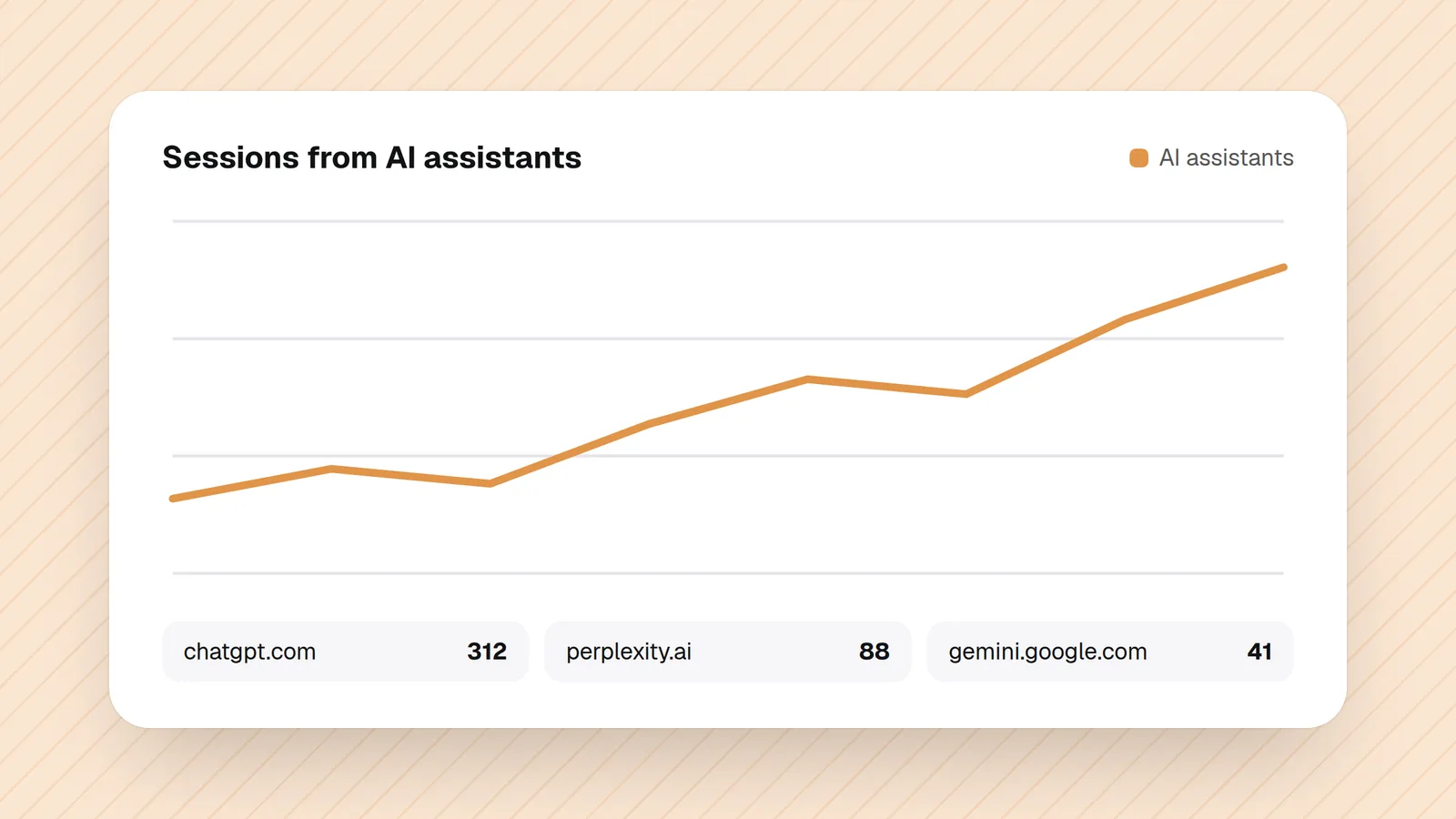
The referrers to match
| Assistant | Source you will see |
|---|---|
| ChatGPT | chatgpt.com (older: chat.openai.com); many links also carry utm_source=chatgpt.com |
| Perplexity | perplexity.ai, www.perplexity.ai |
| Gemini | gemini.google.com |
| Microsoft Copilot | copilot.microsoft.com |
| Claude | claude.ai |
| Others | chat.deepseek.com, chat.mistral.ai, meta.ai, grok.com, you.com |
Check your own Traffic acquisition report first (dimension: Session source) and search for these domains, to see which ones you actually get and spot any not on the list.
Set up an AI assistants channel
- In GA4, go to Admin → Data display → Channel groups and create a new group (or copy the default one, so you keep its rules).
- Click Add new channel and name it "AI assistants".
- Add a condition: Source · matches regex · the pattern below.
- Save, then use Reorder to move "AI assistants" above Referral. GA4 assigns each session to the first channel that matches.
- Save the group. In Reports → Acquisition → Traffic acquisition, switch the primary dimension to your new channel group.
^(www\.)?(chatgpt\.com|chat\.openai\.com|perplexity\.ai|gemini\.google\.com|copilot\.microsoft\.com|claude\.ai|chat\.deepseek\.com|chat\.mistral\.ai|meta\.ai|grok\.com|you\.com)$Custom channel groups apply to historical data, so the report shows AI traffic from before you created it.
Reports worth building
- Landing pages from AI: an Exploration with Landing page as rows, filtered to the AI assistants channel. These are the pages AI answers link to; protect them and keep them current.
- AI traffic by assistant: Session source as rows, same filter, to see which engines send visits.
- Conversions from AI: add key events (sign-ups, purchases) as metrics and compare conversion rate with other channels.
- Trend: sessions by week for the AI channel, annotated with the work you did.
What GA4 cannot see
- Google's AI features. Clicks from AI Overviews and AI Mode arrive as Google organic search, and Search Console counts them under Web with no separate filter.
- Visits with no referrer. Links opened from some apps, or copied and pasted, arrive as Direct.
- Influence without a click. A buyer who reads an answer, then searches your brand on Google, shows as branded organic search. Rising branded searches can reflect AI visibility.
- Being named but not linked. Most of the value of a mention never produces a click. Track mentions directly with a fixed question set: how to track AI search visibility.
Questions people ask
Why does ChatGPT traffic show as utm_source=chatgpt.com?
ChatGPT adds that parameter to many of the links it shows, so GA4 records chatgpt.com as the source even when no referrer is passed.
Does this work for past data?
Yes. GA4 applies custom channel groups to historical data.
How much traffic should I expect from AI?
It varies widely by category and is usually a small share of total traffic so far. Conversion rate and the pages it lands on are often more telling than volume.